
Choose your next move
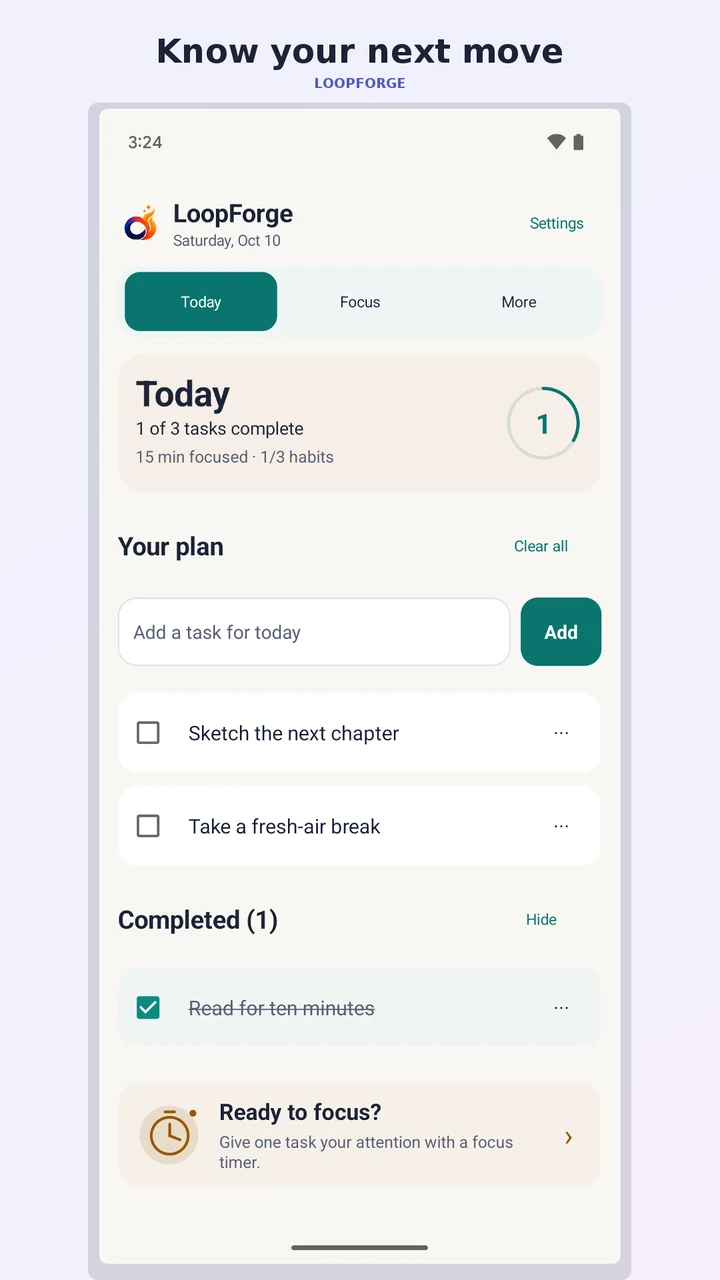
Set a main goal and turn it into a short list of daily tasks. Next move helps you find a useful place to begin.
A calmer kind of productivity
Plan what matters, settle into a focus session, and build a rhythm you can return to. Your tasks, habits and learning, together in one quiet place.
For Android · See Google Play for current pricing and availability.
Thoughtfully put together
Small, useful tools that work together, from your first task to your last check-in.
Set a main goal and turn it into a short list of daily tasks. Next move helps you find a useful place to begin.
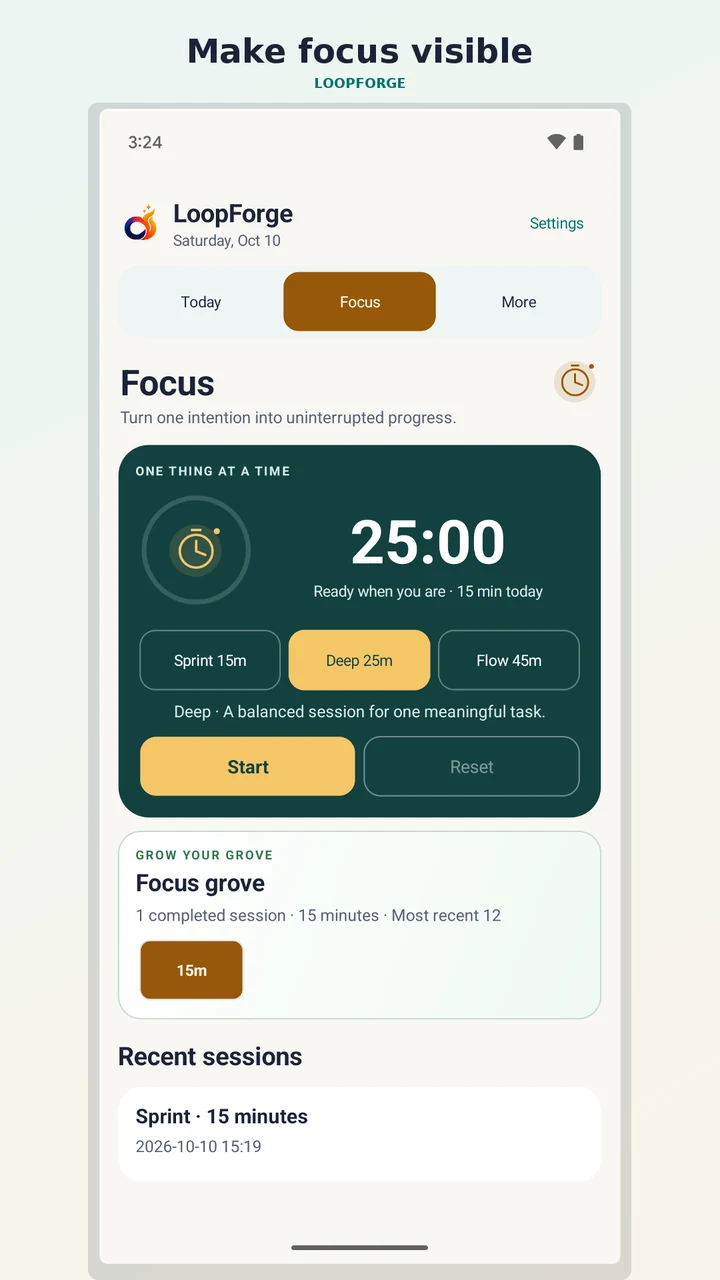
Choose a 15, 25 or 45-minute session. Completed sessions add to a visual grove, making time spent focusing easier to see.
Track habits and streaks, practise with editable flashcards, and look back at seven days of activity and mood check-ins.
Inside LoopForge
From a focused session to a habit worth keeping. Take a closer look at the app.
Choose Sprint, Deep or Flow and give one task your attention.
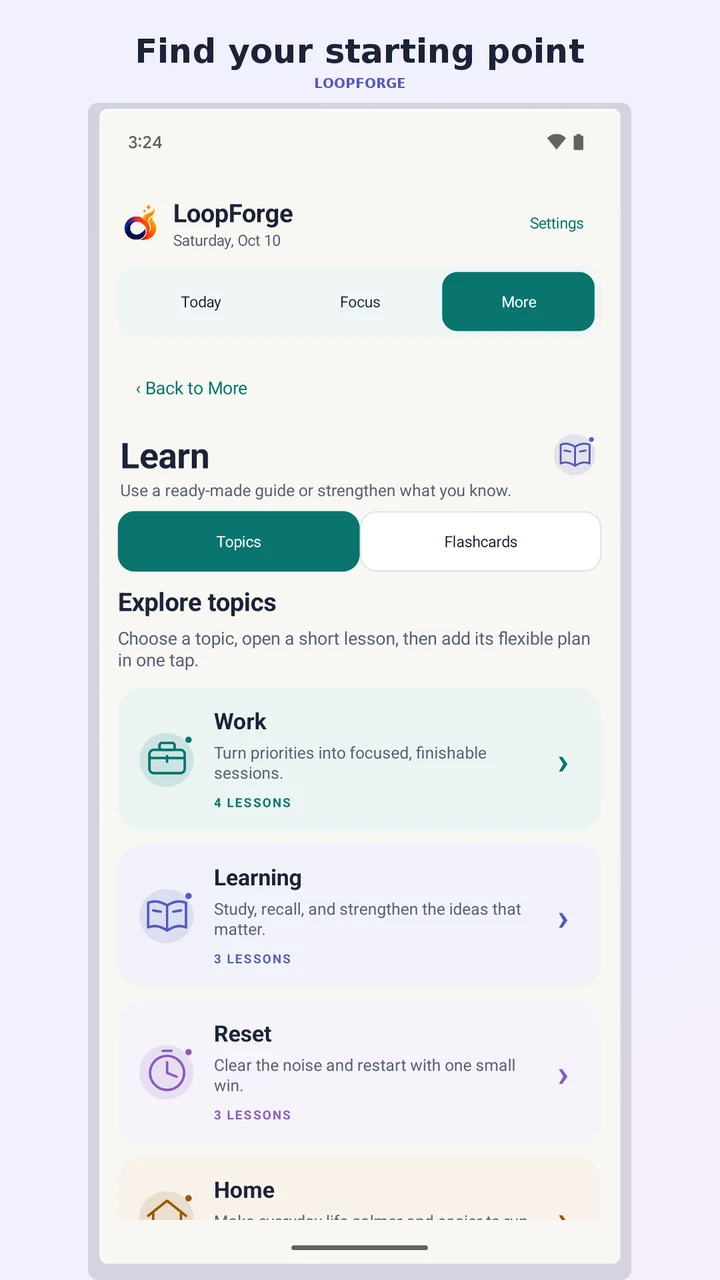
Add editable tasks, habits and flashcards from a guided lesson.
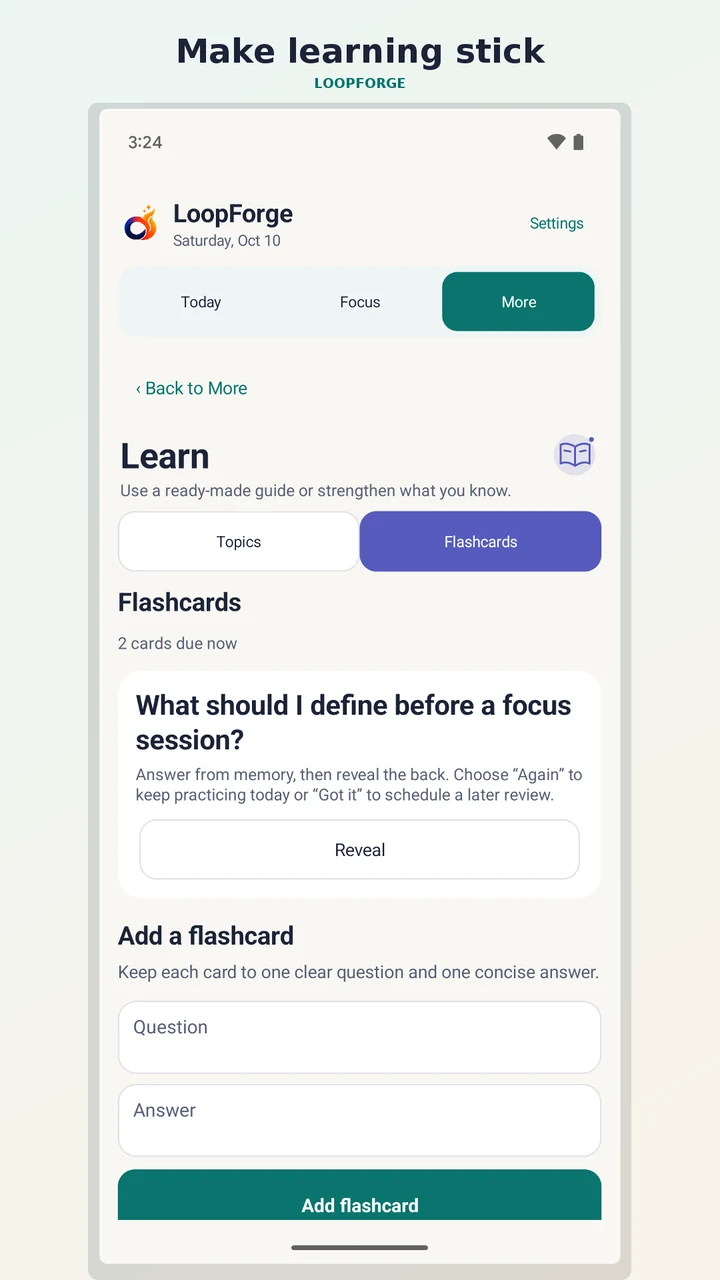
Try to recall an answer before revealing it, then return for spaced review.
Find your starting point
Decide what would make today feel worthwhile. Add the next few steps.
Start a focus timer, check off a task, or practise a flashcard.
Use habits, mood check-ins and seven-day insights to reflect on your routine.
A few useful details
No. LoopForge works fully offline and has no internet permission, account, ads or app telemetry.
Plans, habits and check-ins stay in the local app database. There is no cloud sync, and Android cloud backup is disabled. Uninstalling the app or clearing its storage permanently removes that data.
LoopForge is designed as a one-time purchase with no subscription. Open Google Play for the current price and availability in your region.
The 16 lessons cover Work, Learning, Reset, Home and Wellbeing. You can edit the tasks, habits and flashcards a lesson adds.
Bring a little structure to your day with LoopForge.